Digital Marketing BlogTechnical SEO Optimisation: An Up-to-Date Guide for Small Businesses
 Technical SEO Optimisation: An Up-to-Date Guide for Small Businesses
Technical SEO is the backbone of your website’s visibility and long-term search performance. For small businesses, getting the technical details right opens the door to stronger organic rankings, faster site experience, and a competitive edge.

In this article
What is Technical SEO?
Technical SEO involves optimising your website’s infrastructure so search engines can easily crawl, index, and understand your pages. When done properly, it ensures your content and backlinks can deliver their full impact.
For small businesses, ensuring a well-optimised site can mean the difference between ranking high in search engine results or being buried by competitors. Technical SEO is not just for large enterprises—getting it right can provide smaller sites with a crucial competitive advantage.
Common Technical SEO Issues
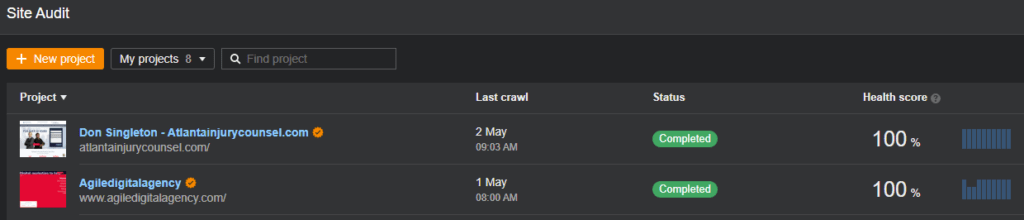
The following are some common technical SEO issues that can negatively affect a website’s search engine ranking, with steps for ensuring your website is technically optimised:
1. Slow Page Speed
A sluggish website frustrates users and suffers in search rankings. Regularly test your site with tools like Google PageSpeed Insights and GTmetrix. Address slow server response, unoptimised images, and render-blocking scripts. Consider upgrading your hosting if your site consistently loads slowly.
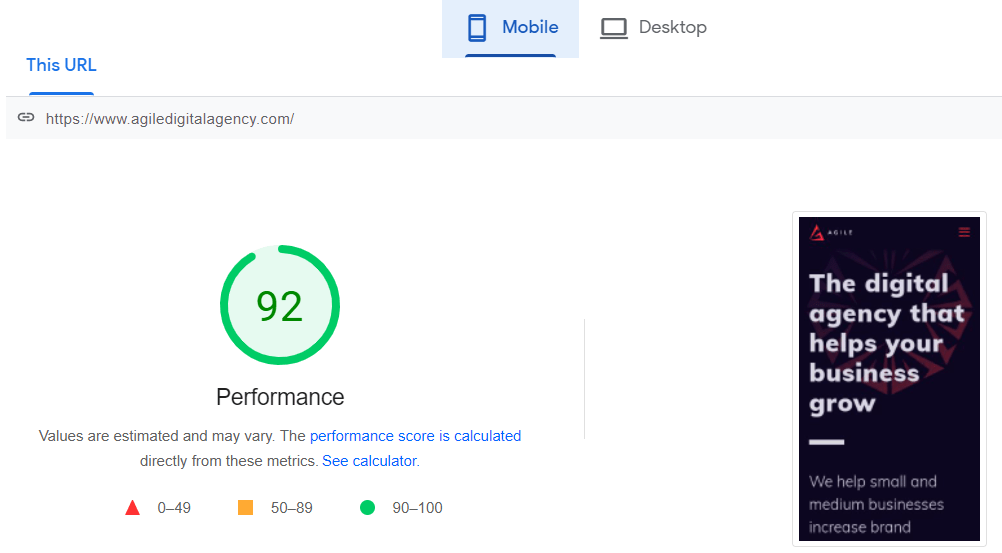
You can use these tools to get reports about areas where you can improve your web performance.
If you own a WordPress website, ensuring it runs on the latest version is essential. As WordPress consistently introduces new features and enhances security, keeping your site updated becomes crucial. Updating your WordPress site is a straightforward process but we recommend hiring an experienced WordPress Agency to handle it on your behalf.
2. Mobile Usability
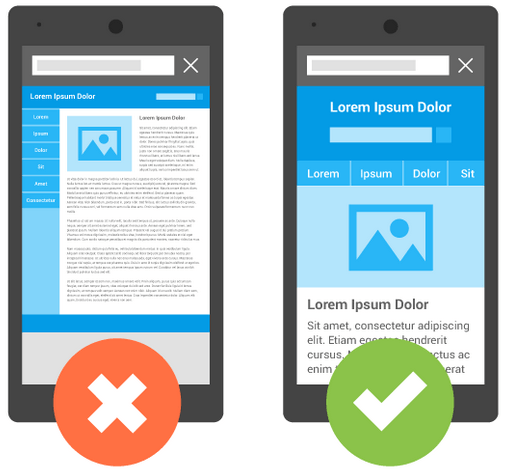
Most web traffic is now mobile. Your site must be fully responsive and fast on all devices. Use Google’s Mobile-Friendly Test to spot and correct problems. Implement responsive design, avoid intrusive interstitials, and optimise touch elements.

3. Duplicate Content and Canonicalisation
Duplicate content can arise from multiple URL variations (e.g., www vs non-www, HTTP vs HTTPS) or similar content blocks across your site. Always:
- Pick a preferred domain version (e.g., https://www.yoursite.com), enforce it with 301 redirects, and set the canonical domain in Google Search Console.
- Use canonical tags to signal the authoritative page version.
- Audit for repeated content and consolidate similar pages.
4. Broken Links and Errors
Broken links hinder both user journey and search crawling. Audit routinely with Screaming Frog or Google Search Console, and fix or remove broken links promptly.
5. Server and Security Issues
Website downtime and security vulnerabilities damage search visibility. Ensure your hosting is stable, use HTTPS throughout, and maintain updated plugins and themes. Schedule regular security scans and back up your website at least weekly.
Updated Technical SEO Best Practices
Here are key steps for ensuring your website is technically optimised:
1. Consistent Domains & URLs
Decide on a single version of your domain and ensure all others redirect to it. Use only lowercase in URLs, hyphens to separate words, and keep them concise and descriptive.
2. Clear Site Structure
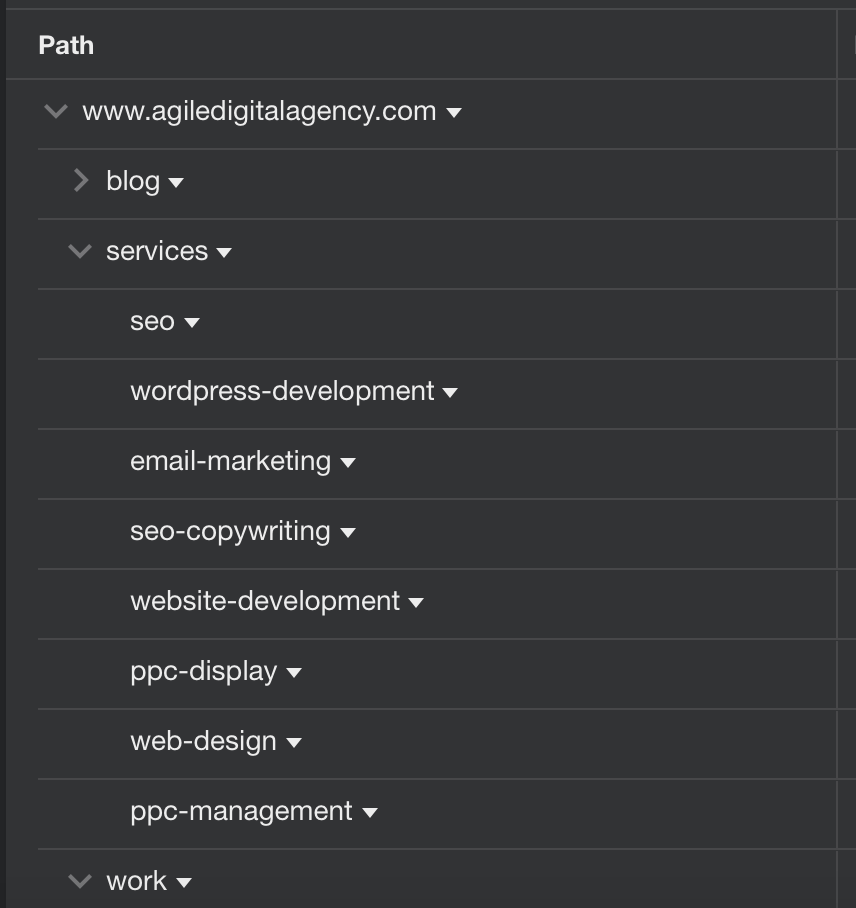
Map out an intuitive hierarchy using logical categories and internal links. Ensure every page is accessible within three clicks from the homepage.
3. Make Your Site Accessible to Search Engines
Maintain an up-to-date robots.txt file to manage crawler access.
Submit sitemaps to Google Search Console and Bing Webmaster Tools.
Check indexing status and address any discovered issues in Search Console.
Read also How to submit your sitemap to Google and other search engines.
4. Fix Broken Links
Using website crawlers like Screaming Frog or Xenu can help small businesses identify and fix broken links promptly.
5. Select Adequate Keywords
Keyword research is crucial for SEO success. Use relevant keywords and phrases strategically in your website’s content and titles to attract targeted organic traffic.
6. Remove Duplicate Content
Identify and remove duplicate content to avoid SEO penalties. Regularly audit your website for duplication issues and take corrective actions promptly.
7. Ensure a Responsive Website
In a mobile-centric era, optimising your website for mobile devices is no longer optional but imperative. A mobile-friendly site is the cornerstone of mobile search engine ranking success. Google’s mobile-first indexing prioritises mobile-optimised sites, making mobile optimisation non-negotiable for SEO success.
8. Optimise Images
Optimising images is essential for faster loading times. Use compressed and appropriately sized images while incorporating relevant keywords in file names, alt text, and title tags to improve search engine visibility.
Tools like iloveimg.com can be important in properly optimising photos. Take into consideration adopting new image formats like WebP or AVIF, and establish an image CDN (Content Delivery Network) to further optimise performance.
Bonus: If you are interested in learning how to use images to drive more traffic to your website or improve screen reader accessibility, you should listen to this insightful Search Off the Record podcast. In it, you will find out about Googlebot’s frequency of image crawling, how to improve page visibility through image search, and how to optimise alt text for better image accessibility.
Read also: W3C – How to use the alt attribute of the IMG element in various situations
9. Enhance your Core Web Vitals
If you have advanced technical knowledge, you may also want to work on improving your website Core Web Vitals, a set of critical metrics that impact how users perceive the speed and responsiveness of your site. Read our comprehensive guide on optimising these vital aspects, where we break down each metric, provide actionable insights, and offer practical tips to improve these ranking signals.
We haven’t experienced any drop on the website traffic, on the contrary the organic traffic increased, the quality of leads has improved as well. Web core vitals reached the score of 99 out of max 100.
Marketing Director – Software Solutions Company in Germany
10. Utilise Schema Markup and Rich Snippets
Schema markup is a powerful tool that helps search engines better understand the content on a website. Rich snippets, displayed in search results, can significantly increase click-through rates and organic traffic.
Schema markup provides structured data that search engines can use to generate rich snippets. It improves the visibility and appearance of search results, attracting more clicks from users.
If you need to generate the schema markup for your professional services website, you can use the Merkle Schema Markup Generator and fill out the fields with your information.
Small businesses can use schema markup to highlight various types of content, such as product information, reviews, events, and more. This enhanced presentation in search results increases the chances of attracting user attention.
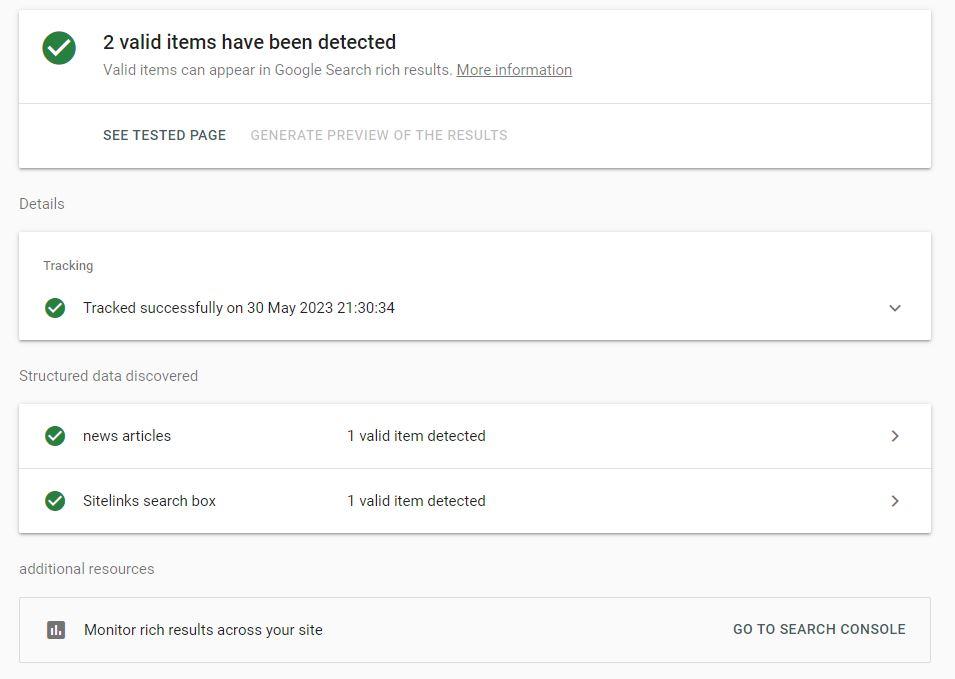
Rich snippets provide users with more context about the content, which can lead to higher click-through rates. Businesses can leverage this to stand out in search results and drive more organic traffic to their website.
11. Ensure your website is secure
Search engines are increasingly prioritising secure websites. This means using HTTPS and implementing security measures such as firewalls and malware scans.
Essential Technical SEO Tools
Technical SEO can be complex, but several tools can help small businesses identify and fix issues:
- Screaming Frog: A powerful tool for conducting comprehensive website audits, identifying broken links, and analysing site structure.
- Google Search Console: A free tool that helps monitor indexing status, search performance, and crawl issues.
- PageSpeed Insights: A tool by Google that analyses page speed and provides actionable recommendations for improving load times.
- GTmetrix: A detailed performance analysis tool to help track and improve page speed and overall site performance.
Using these tools regularly can help you stay on top of technical issues that could affect your search rankings.
Read also:
Conclusion
By prioritising these technical SEO updates, small businesses can significantly boost online visibility, engage visitors more effectively, and outperform local competitors. Regular technical audits, backed by the latest best practices, will keep your website future-proof and search friendly.
Partner with a reputable technical SEO agency if you need guidance or support for more complex situations—a technically robust site is the foundation for overall digital success.
How Agile can help

Our commitment to excellence is underscored by our recognition as a top Technical SEO agency in the United Kingdom for 2024.
Partner with us today, and, together, we can help you achieve greatness and secure a prominent position at the top of search engine rankings.

Managing Partner at Agile Digital Agency, Juan brings over two decades of digital expertise to the forefront. With a degree in Computer Sciences and a rich professional background spanning internationally acclaimed digital agencies, Juan is a seasoned digital professional. Specialising in web solutions, digital marketing, and innovation, he channels his skills to craft successful online solutions for clients.
Related
Articles