Digital Marketing BlogAvoid These Common Web Design Mistakes for Exceptional User Experience
 Avoid These Common Web Design Mistakes for Exceptional User Experience
Your website is often the first interaction prospects have with your brand. A website that delivers an intuitive, visually appealing, and mobile-optimised experience not only delights visitors but also drives your business goals – from higher engagement to better conversions.
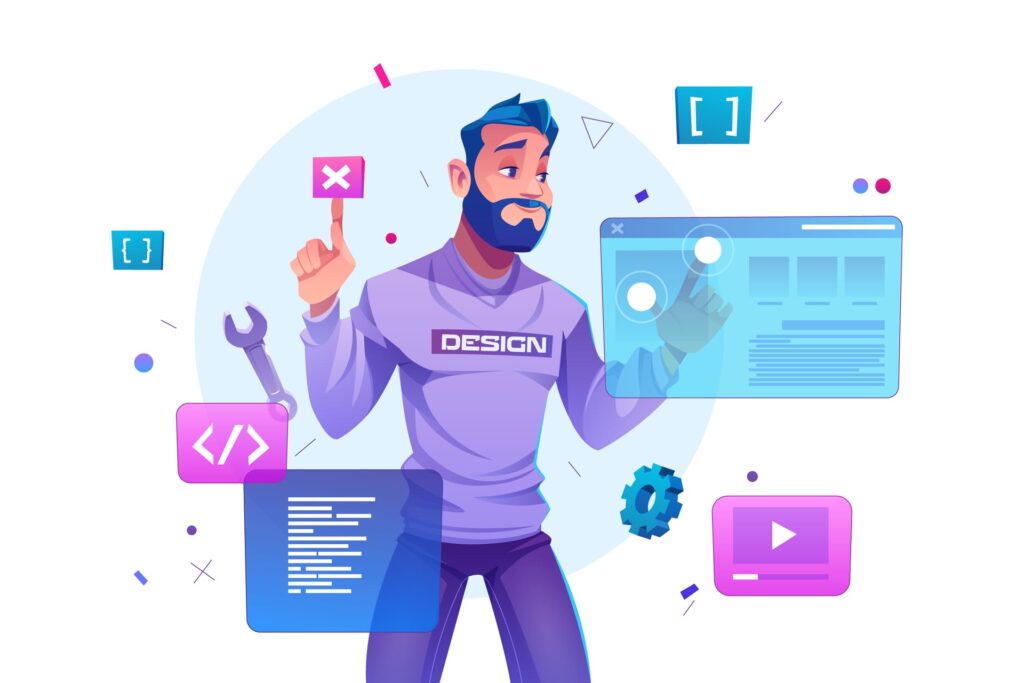
However, many websites suffer from avoidable design missteps that frustrate users and increase bounce rates. This article will guide you through the top UX mistakes to steer clear of, backed by data and best practices, so you can craft a site that captivates and converts.
For the current, AI-era version of this list, see the 15 website mistakes that decide whether AI search systems can trust and recommend your firm.
In this article:
1. Neglecting Mobile Responsiveness
Over 60% of global web traffic comes from mobile devices [Statista, 2025], yet non-responsive designs remain a common pitfall.
Mobile-friendly design means your site layout and content adapt fluidly across devices, smartphones, tablets, and desktops. This not only improves usability but also affects your search rankings, Google uses mobile-first indexing, prioritising sites optimised for mobile in search results [Google Webmaster Central, 2024].
How to get it right:
- Test your site on multiple devices and screen sizes regularly.
- Employ responsive CSS frameworks or media queries for flexible layouts.
- Use legible fonts sized for small screens.
- Optimise image file sizes and use modern formats like WebP.
2. Overcomplicated Navigation
Research shows users expect to find what they’re looking for within 3 clicks or less [Nielsen Norman Group, 2023]. Complex or hidden navigation leads to frustration and lost opportunities.
What to avoid:
- Hidden menus that require extra actions to access.
- Overcrowded navigation bars with too many options.
- Unclear, jargon-filled menu labels that confuse visitors.
Best practices:
- Keep navigation visible and prominently positioned, ideally at the top.
- Limit menu items to key sections, grouping related pages logically.
- Use clear, concise labels that mirror user intent.
- Employ visual highlights for active or hover states.
- For mobile, use accessible hamburger menus but ensure discoverability.
3. Slow Page Loading Speed
A delay of just 1 second in page load time can reduce conversions by 7% and increase bounce rates by 11% [Google/SOASTA Research, 2024]. Slow speeds damage user satisfaction and SEO rankings alike, Google explicitly factors page speed into search ranking algorithms [Google, 2024].
Common causes & fixes:
- Large, uncompressed images: Use compression tools to reduce file sizes without visual loss.
- Excessive HTTP requests: Combine CSS/JS files and reduce third-party scripts.
- Poor hosting: Invest in high-performance hosting with a strong content delivery network (CDN).
- Too many plugins or scripts: Audit and disable non-essential extensions.
Use tools like Google PageSpeed Insights or GTmetrix to monitor and improve loading times continually.
4. Cluttered Layouts and Poor Readability
Overloaded pages with tiny fonts, low contrast, and no whitespace discourage users from reading and interacting.
Why clean design matters:
- Clear hierarchy aids quick scanning.
- Readable content retains attention and reduces cognitive load.
- A balanced design speeds loading and highlights critical elements.
Tips:
- Use minimum 16px font size for body text and ensure colour contrast meets WCAG standards (contrast ratio of at least 4.5:1).
- Break large blocks of text into shorter paragraphs, bullet points, and clear headings.
- Incorporate ample white space for breathing room.
- Limit the number of images and interactive elements per page for clarity and speed.

Read also: Top 10 SEO Mistakes Professional Services Must Avoid When Doing SEO
5. Unclear or Missing Calls-to-Action (CTAs)
CTAs guide visitors to the next step, be it signing up, contacting you, or purchasing. Ambiguous or hidden CTAs lose potential conversions.
To improve CTAs:
- Use direct, action-oriented language like “Get Your Free Consultation” or “Start Your Project Today.”
- Make buttons visually distinct with contrasting colors and ample padding.
- Position CTAs above the fold or at natural content breakpoints.
- Avoid multiple competing CTAs on a page to prevent decision paralysis.
6. Inconsistent Branding
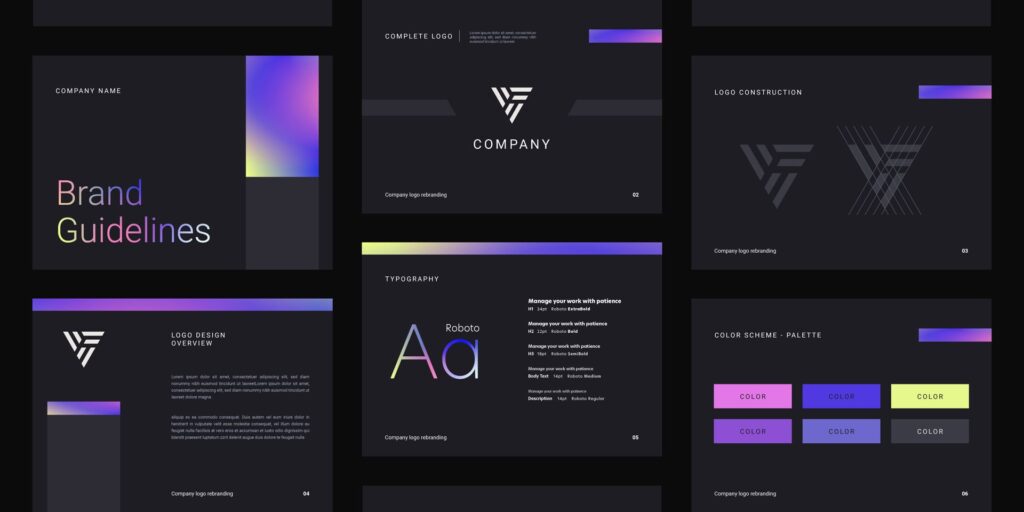
Consistent branding builds trust. Studies show that consistent presentation of a brand can increase revenue by up to 23% [Lucidpress, 2024].
Watch for:
- Varied fonts, colours, or imagery across pages.
- Conflicting tone or messaging in copy.
- Misaligned design elements inconsistent with your core brand identity.
Maintain cohesion by:
- Regularly auditing your website and digital assets to ensure alignment.
- Developing detailed brand guidelines covering colour palettes, typography, imagery, tone, and style.
- Training your team to apply these guidelines consistently.
Conclusion: Deliver a Website That Works for Your Users and Your Business
By avoiding these common pitfalls, ensuring mobile responsiveness, clean navigation, fast loading, uncluttered design, clear CTAs, and consistent branding, you build a website that users love and search engines favour. These improvements translate into higher engagement, lower bounce rates, and More leads and conversions.
If you want to improve your site’s user experience and unlock its full business potential, consider partnering with experts who specialise in professional services UX design. Agile is here to help with specific solutions backed by modern best practices and proven results.

Our commitment to excellence is showed by our recognition as a Top Web Design Company in London for 2026.
Frequently Asked Questions
What are the most costly web design mistakes for businesses?
Slow page load times (every extra second loses roughly 7% of conversions), poor mobile experience (over 60% of traffic is mobile), confusing navigation that prevents users finding key information, weak or missing calls-to-action, and neglecting SEO during the design process. These mistakes compound, a beautifully designed site that’s slow and hard to navigate will underperform a simpler, faster alternative.
How often should businesses update their website design?
Plan a significant refresh every three to five years, with continuous incremental improvements between redesigns. Monitor Core Web Vitals, conversion rates, and competitor sites regularly. If your bounce rate is climbing, conversions are dropping, or your site looks dated compared to competitors, it’s time for a refresh regardless of age.
What web design elements matter most for conversions?
Clear value proposition above the fold, intuitive navigation, fast page load times, trust signals (testimonials, certifications, reviews), prominent and specific calls-to-action, mobile-responsive design, social proof throughout the user journey, and minimal friction in forms and checkout processes.
How does poor web design affect SEO?
Poor design directly harms SEO through slow load times (Core Web Vitals), high bounce rates (engagement signals), poor mobile experience (mobile-first indexing), and confusing site architecture (crawlability). Indirectly, a poorly designed site earns fewer backlinks, generates less social sharing, and has lower conversion rates that reduce the business case for further SEO investment.

Related
Articles